How Important Are Google Shopping Ads for Ecommerce Brands – and How to Get Started
If you’re running an ecommerce store, chances are you’re investing time and money into digital marketing — but are you using Google Shopping Ads yet?
If not, you’re missing out on one of the highest-converting ad formats in ecommerce marketing.
In this post, I’ll break down why Google Shopping Ads matter, and exactly how to get started, even if you’re a beginner.
Why Google Shopping Ads Matter for Ecommerce Success
1. High Purchase Intent
Google Shopping Ads target people who are already searching for your products. These aren’t casual browsers — they’re buyers.
2. Visual and Click-Worthy
Unlike plain text ads, Shopping Ads show product images, prices, and store names — giving your products a major visibility advantage.
3. Mobile-Optimized
More people shop on mobile than ever. Google Shopping Ads are built for mobile-first users, delivering better engagement and conversions.
4. Better ROI
Because they target high-intent users, Shopping Ads often deliver stronger ROI than other types of paid advertising.
5. Competitive Edge
You appear directly next to competitors. If your product is priced right, has strong images, and solid reviews — you win the click.
How to Get Started with Google Shopping Ads
Setting up your first campaign may seem technical, but it’s actually a straightforward process. Here’s your step-by-step roadmap.
Step 1: Set Up Google Merchant Center
Go to https://merchants.google.com and create a free account.
- Verify your website
- Enter your business details
- Connect your ecommerce platform (Shopify, WooCommerce, etc.)
Step 2: Create and Submit Your Product Feed
Your product feed includes details like title, price, availability, and images.
Tips:
- Use high-quality images
- Optimize product titles with keywords
- Include GTIN or MPN codes
- Make sure all info matches your site
Most ecommerce platforms have apps to automate this.
Step 3: Link Merchant Center to Google Ads
Inside Merchant Center:
- Go to Settings → Linked accounts
- Link your Google Ads account
Now, your products are ready to be promoted.
Step 4: Launch Your First Shopping Campaign
In Google Ads:
- Click + New Campaign
- Choose your goal (Sales or Leads)
- Select Shopping
- Choose your Merchant Center feed and target country
- Set daily budget, bidding strategy, and campaign settings
- Launch
💡 Pro Tip: Start with a small budget and test using Standard Shopping before diving into Performance Max campaigns.
Bonus Optimization Tips
- Use custom labels to group products (by season, margin, or best-sellers)
- Set up conversion tracking for better ROI visibility
- Add negative keywords to exclude irrelevant search traffic
- Run dynamic remarketing ads to recover abandoned carts
Final Thoughts
If you’re serious about ecommerce growth, Google Shopping Ads are a must. They’re visual, targeted, and drive real buying behavior.
Start simple — even one well-optimized product feed can drive results. Once you’ve tested and optimized your campaigns, scale up with confidence.
Need Help Launching Google Shopping Ads?
If you’re unsure where to begin or just want someone to walk you through the process, I’d love to help. Reach out via mohsinaligs.com/contact and let’s make your ecommerce ads work smarter.

Mohsin Ali
Publishing practical ideas, sharp strategies, and useful insights for growing modern digital brands.
Related Stories
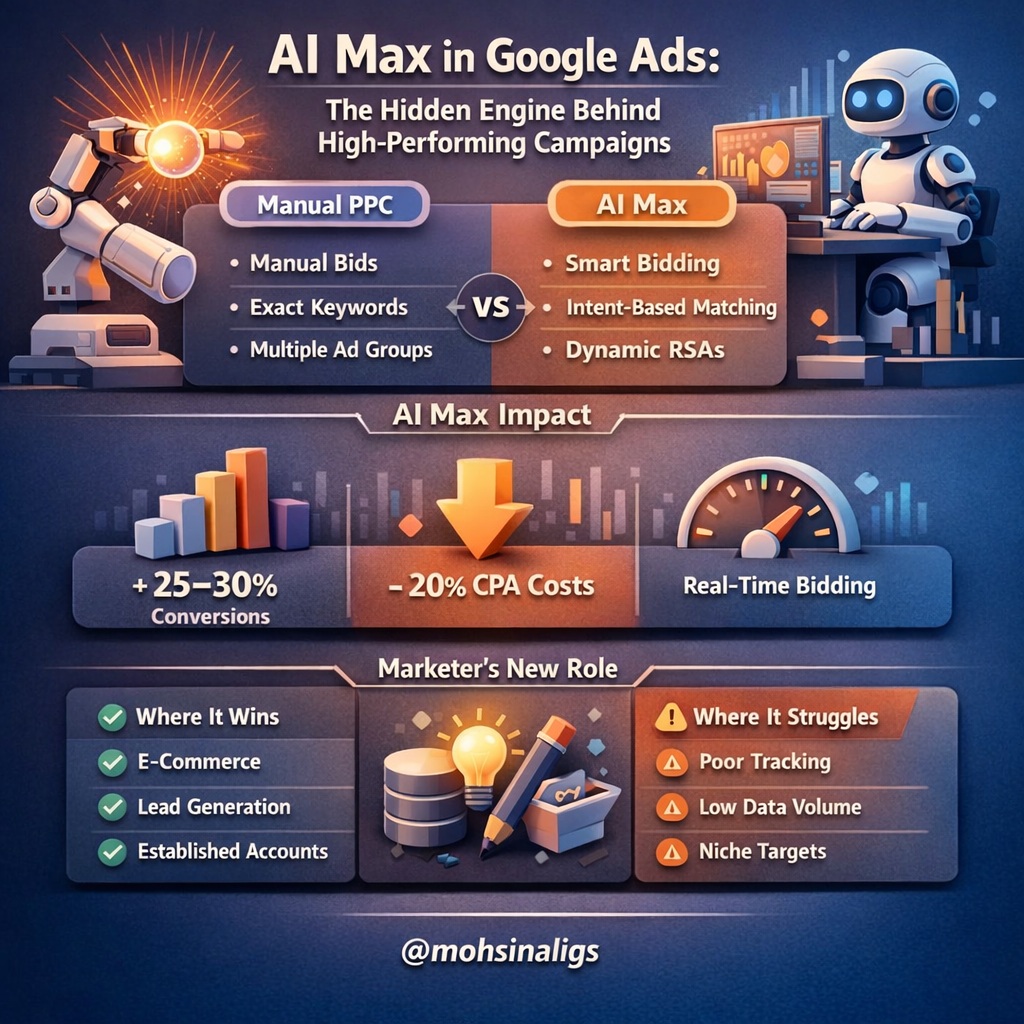
AI Max in Google Ads: The Hidden Engine Behind High-Performing...
Something changed quietly inside Google Ads—and most advertisers didn’t even notice it happening. Campaigns that used to require...
Read More
The Ultimate Guide to Performance Max Campaigns in Google Ads...
In the ever-evolving world of digital marketing, one thing stays constant — results matter. Whether you’re a startup,...
Read More
Google Ads Account Verification: My Real-World Guide to Getting Verified
Over the years, I’ve helped brands scale their digital advertising globally, and one step that often causes confusion...
Read More
 Chat on WhatsApp
